Why Bookkeeping Cloud Software Is Changing How Small Businesses Manage Money
Bookkeeping cloud software lets you manage your business finances online from any device, anywhere, without installing programs or maintaining local files.
Here’s a quick answer to what it is and why it matters:
| Question | Answer |
|---|---|
| What is it? | Software hosted online that handles invoicing, expenses, bank reconciliation, and reporting |
| Who is it for? | Small business owners, freelancers, and their accountants |
| How is it different from desktop software? | No installation needed, automatic updates, real-time access from any device |
| What does it cost? | Typically $0–$140/month depending on features and plan |
| Top platforms | QuickBooks and other leading cloud platforms |
| Biggest benefit | Saves time. QuickBooks users save an average of 13 hours per month |
If your books feel disorganized, your cash flow is unpredictable, or tax season catches you off guard every year, you’re not alone. Back office tasks like bookkeeping consume 20–30% of a small business’s total operating budget, yet most owners are still piecing things together with spreadsheets or outdated desktop programs.
Cloud-based tools change that equation. Platforms like QuickBooks now serve millions of small businesses worldwide, and their AI-powered features are making it easier than ever to stay on top of your numbers without spending hours buried in the books.
I’m Charlie Perrin, founder of Cloud Bookkeeping, and with over 24 years of experience helping small business owners take control of their finances, including hands-on work with bookkeeping cloud software platforms like QuickBooks. I’ve seen how the right tools can transform a stressful financial situation into a clear growth strategy. This guide covers everything you need to make a confident decision about which platform fits your business.
Cloud vs. Desktop: The Evolution of Financial Management
For decades, small businesses relied on traditional desktop accounting software. You bought a CD-ROM or downloaded a massive file, installed it on a single office computer, and hoped that the hard drive never crashed. If your accountant needed to review the books, you had to export a backup file, email it (or physically carry a USB drive to their office), and pause your own bookkeeping until they sent it back.
This manual approach is rapidly fading. Desktop systems require manual updates, local installations, and tedious physical backups. If your computer gets damaged or stolen, your financial history could vanish in an instant.
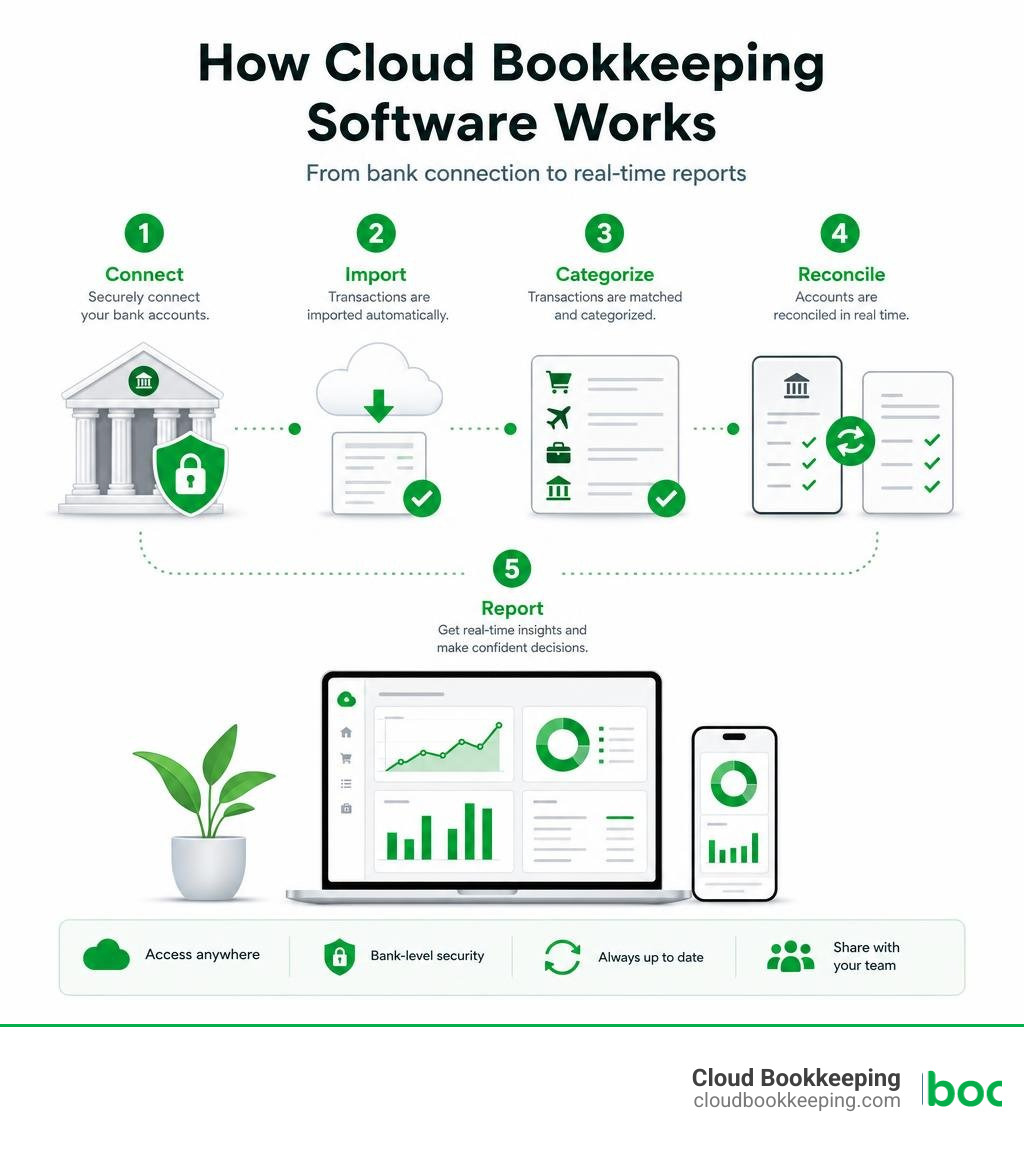
Cloud-based financial systems have completely flipped this model. Instead of living on one hard drive, your financial data is hosted on secure, remote servers and accessed through a web browser or mobile app. The platform provider handles all IT tasks, including automatic data backups and software version updates, behind the scenes. This transition represents a major leap in how modern companies track their performance. To understand how these tools fit into your overall operation, it helps to look at the role of accounting software solutions in modernizing everyday business workflows.
To see how these two models stack up, let’s look at the core differences:
| Feature | Traditional Desktop Accounting | Cloud-Based Bookkeeping Software |
|---|---|---|
| Data Storage | Local hard drive (vulnerable to hardware failure) | Secure cloud servers with automated redundancy |
| Accessibility | Single computer in a physical office | Any device with an internet connection |
| Updates & Maintenance | Manual installs, often requiring paid annual upgrades | Automatic, silent updates with zero downtime |
| Collaboration | Single-user access or complex local networks | Multi-user collaboration with real-time syncing |
| Data Feeds | Manual transaction entry or batch imports | Real-time automated bank and credit card feeds |
| Data Backup | Manual backups to external drives | Continuous, real-time automated backups |
Real-Time Collaboration and Remote Work Capabilities
One of the greatest operational advantages of bookkeeping cloud software is the ability to support remote work and seamless collaboration. In the past, business owners had to wait until the end of the month or quarter to get feedback from their financial team.
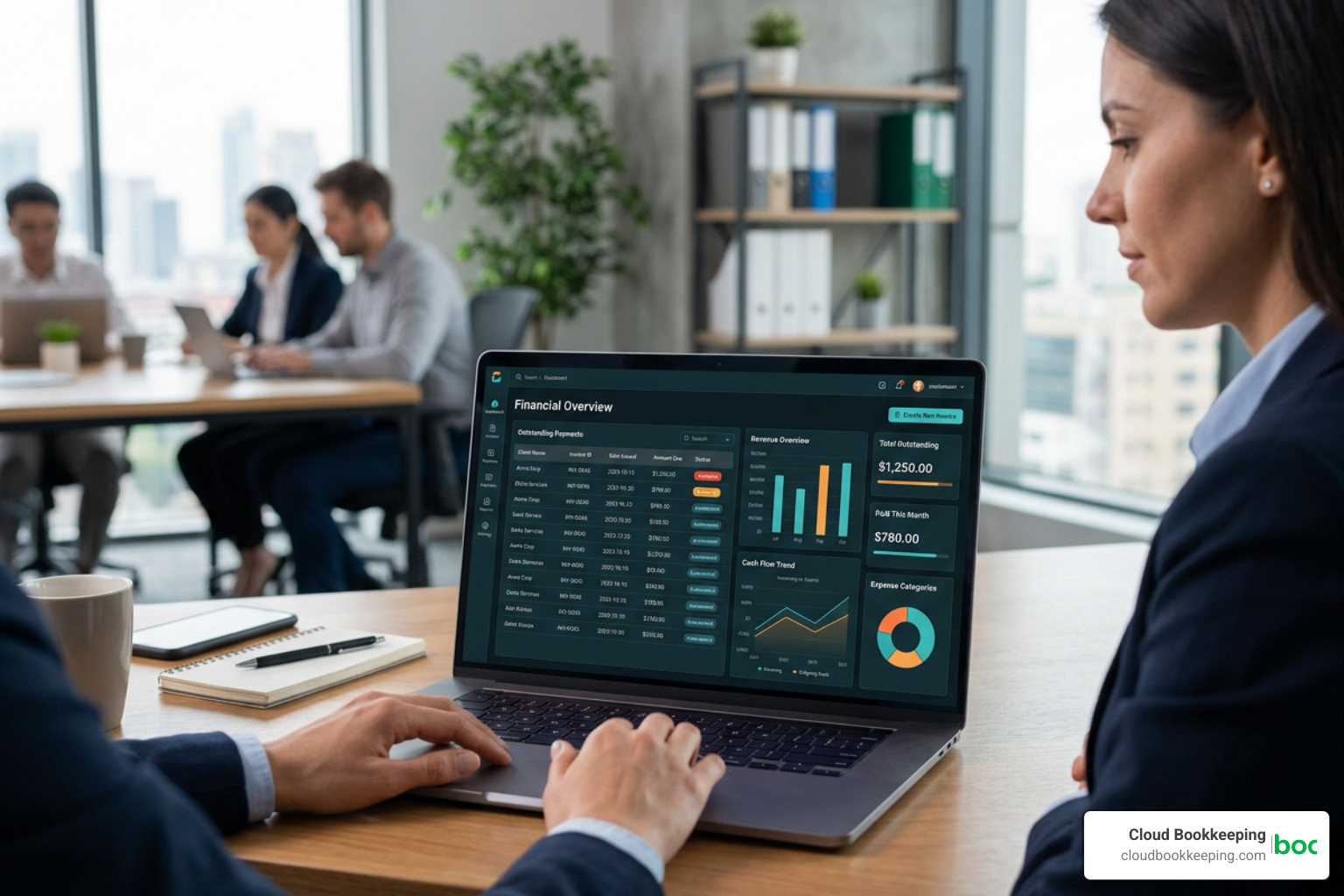
With cloud software, you and your bookkeeper can look at the exact same ledger simultaneously, even if you are in San Antonio and your accountant is working remotely. If you have questions about a specific transaction, you can both log in, view the entry in real time, and resolve the issue instantly.
Furthermore, these tools are built to support growing teams. You can set up role-based permissions so your sales representatives can send invoices, your project managers can log expenses, and your external advisory team can run reports, all without exposing sensitive payroll data or bank account details. For growing organizations, utilizing specialized accounting software solutions makes it simple to coordinate these moving parts without losing control over your data.
Tax Preparation, Compliance, and Reporting Benefits
Tax season doesn’t have to be a stressful scramble of sorting through shoeboxes of paper receipts. Cloud systems keep your business tax-ready all year long by organizing transactions into IRS-approved categories as they happen.
Because your bank accounts are linked directly to the software, every expense is logged and matched to its corresponding digital receipt. This continuous record-keeping maximizes your eligible tax deductions and ensures that you have a clear, audit-ready paper trail.
Beyond compliance, having your financial data structured in the cloud can support more accurate financial forecasting. Instead of guessing where your business will stand in three months, use integrated tools to project cash flow, analyze profit margins, and make proactive decisions. Businesses that want to turn these projections into regular decision-making can use QuickBooks forecasting tools to monitor cash flow and plan ahead.
Key Features to Look for in Bookkeeping Cloud Software
Not all cloud financial platforms are created equal. When evaluating your options, look for core features that directly eliminate manual admin work:
- Automated Invoicing: Create, customize, and schedule recurring professional invoices. Many systems automatically send follow-up payment reminders to clients with outstanding balances.
- Direct Bank Feeds: Securely link your business bank accounts and credit cards to automatically import transactions every day.
- Mobile Receipt Capture: Snap photos of paper receipts on your phone. The software’s optical character recognition (OCR) technology reads the vendor, date, and amount, automatically matching it to the corresponding bank transaction.
- Comprehensive Financial Reporting: Generate profit and loss statements, balance sheets, and cash flow reports with a single click.
- Industry-Specific Customization: Certain business models require specialized tracking. For example, if you manage real estate assets, you should look for the 7 essential features of property management bookkeeping software to handle tenant payments and maintenance expenses efficiently.
How Bookkeeping Cloud Software Handles Security and Collaboration
A common question business owners ask is: Is my financial data safe in the cloud?
The short answer is yes. Leading cloud bookkeeping platforms employ bank-grade security protocols that are far more robust than the security measures on a typical office computer.
- Data Encryption: Your financial data is encrypted both in transit (while moving from your device to the server) and at rest (while stored on the server).
- Multi-Factor Authentication (MFA): This adds an extra layer of defense, requiring a secondary code sent to your mobile device before granting access to your account.
- Detailed Audit Trails: Every action in the system is logged. You can see exactly who created an invoice, edited an expense, or reconciled a transaction, ensuring complete internal accountability.
- Role-Based Permissions: You control exactly what your employees can see and do. A receptionist might only have access to create invoices, while your bookkeeper has full access to the general ledger.
For additional insights into how modern firms utilize secure cloud networks to protect client records, you can check out the Cloud Bookkeeping LLC – LinkedIn page to see industry updates and security best practices.
Seamless Integrations with Banks and Business Apps
The true power of bookkeeping cloud software lies in its ability to connect with the other digital tools you use to run your business. Rather than acting as an isolated database, modern cloud accounting platforms feature open API connections that link to hundreds of third-party apps.
For instance, you can integrate your bookkeeping software with payment processors, point-of-sale (POS) systems, payroll providers, and inventory management tools. When a customer buys a product through your online store, the sales data, tax calculation, and inventory adjustment sync automatically with your books. This level of connectivity eliminates double data entry and reduces human error. For businesses building a connected workflow, our overview of financial software integrations explains how these tools can support day-to-day bookkeeping.
Platform Types, Scalability, and Potential Limitations
To choose the right tool, it helps to look at the market landscape. Today’s leading platforms cater to different business sizes, industries, and budgets. Here is a breakdown of the cloud platform options available in 2026:
- QuickBooks Online: The undisputed industry standard, trusted by millions of small businesses worldwide. It offers a highly robust ecosystem, over 800 app integrations, and advanced AI-driven features that help automate transaction categorization. QuickBooks customers report growing their revenue by an average of 18% and reducing operating costs by 15% when leveraging its built-in intelligence.
- Service-Focused Platforms: Excellent options exist for service-based businesses, freelancers, and solopreneurs, offering streamlined invoicing and time-tracking features to save hours in billable time.
- Enterprise and Hybrid Cloud Systems: Powerful options built on secure cloud networks combine traditional accounting expertise with modern cloud flexibility, highly favored by businesses requiring robust inventory tracking.
- Open-Source Solutions: Unique, open-source cloud accounting platforms offer full data privacy and self-hosted options for specialized needs.
Typical Tier Plans for Cloud Financial Tools
Most cloud bookkeeping platforms offer tiered plans, so you can choose the features and level of access that fit your business today and upgrade as your needs grow:
- Entry-Level Plans: Best for freelancers and solopreneurs. These plans handle basic invoicing, expense tracking, and single-user access, though they often limit the number of invoices you can send.
- Mid-Tier Plans: Designed for growing small businesses. They include multi-user access, automated bill management, time tracking, and more advanced reporting.
- Premium Plans: Built for established businesses with complex workflows. These plans offer advanced customization, project profitability tracking, deeper inventory management, and dedicated customer support.
While the benefits are clear, there are a few limitations to keep in mind. Because these systems are hosted online, you are dependent on a stable internet connection to access your books. Additionally, monthly subscription fees can add up over time, and migrating between platforms can be complex if your historical data is messy.
Migrating to Bookkeeping Cloud Software Safely
If you are ready to transition from desktop files or spreadsheets to the cloud, taking a systematic approach will prevent data loss and keep your records clean:
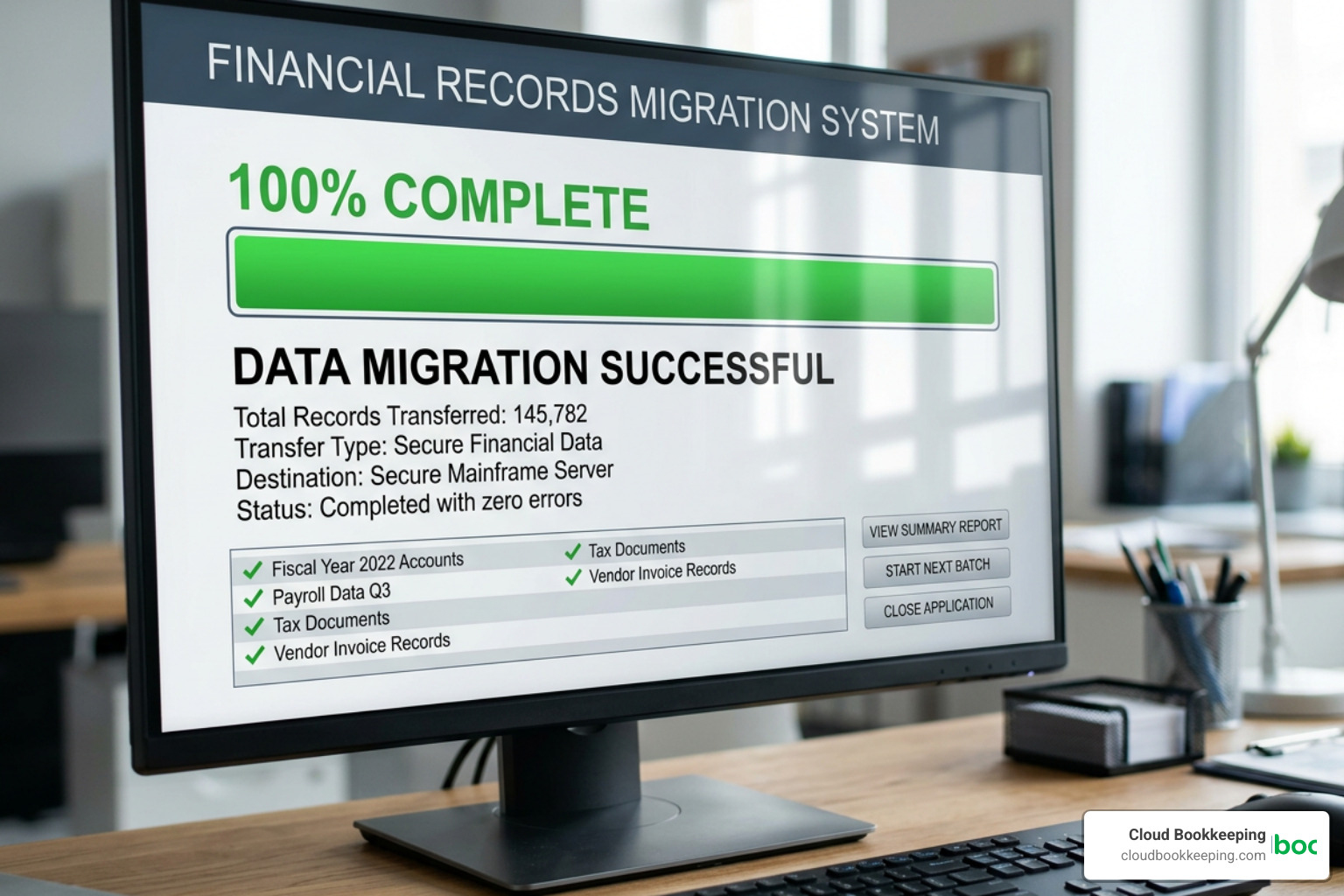
- Clean Up Your Existing Data: Before exporting anything, reconcile all outstanding bank transactions, resolve duplicate entries, and clear out old, inactive accounts.
- Export Your Lists: Export your customer, vendor, and product/service lists into CSV or Excel formats.
- Establish a “Cut-Off” Date: Pick a clear date (such as the end of a fiscal quarter or month) to stop using your old system and start entering transactions in the new one.
- Import and Reconcile: Import your accounts and enter your beginning trial balance. Reconcile your first month in the cloud to ensure your starting numbers match your historical records exactly.
A practical QuickBooks bookkeeping setup walkthrough can help you organize the transition from cleanup through first-month reconciliation.
Support, Training, and Onboarding Resources
Most cloud platforms offer a wealth of built-in onboarding resources, including video tutorials, help centers, and community forums. For example, many leading platforms offer free onboarding support with a dedicated coach during your first 90 days to help you get comfortable with the interface.
However, software is only as useful as the data entered into it. For busy founders, learning a new system can become a distraction from running the business. Working with an experienced partner during the transition helps ensure everything is configured correctly from day one and can prevent costly cleanup later. For a new venture, setting up your startup’s bookkeeping systems early can create a stronger financial foundation.
At Cloud Bookkeeping, led by Charlie Perrin in San Antonio, Texas, we combine the power of modern cloud software with unparalleled customer service and crystal-clear financial reporting. Our managed bookkeeping services set up dependable workflows, keep records current, and provide the clear financial insights you need to scale with confidence.
Frequently Asked Questions about Cloud Bookkeeping
What are the main limitations of cloud-based financial systems?
The primary limitation is internet dependency; if your connection goes down, you cannot access your real-time financial ledger. Additionally, some business owners experience subscription fatigue from recurring monthly software fees, and there is always a learning curve when training your team on a new digital platform.
How often are cloud-based platforms updated?
Unlike desktop software that requires manual installations, cloud platforms are updated automatically by the software provider. These updates occur silently in the background with zero downtime, ensuring you always have access to the latest security features, compliance standards, and product enhancements.
Do I still need a professional accountant if I use software?
Yes. While cloud software is an excellent tool for automating daily data entry, it does not replace the strategic insights, tax planning expertise, and compliance oversight of a professional accountant. The software organizes your data, but a human expert helps you interpret those numbers to make smart, long-term business decisions.
Conclusion
Transitioning to bookkeeping cloud software is one of the smartest investments a small business owner can make. By automating manual data entry, enabling real-time collaboration, and keeping your records organized for tax season, these platforms free up valuable time so you can focus on what you do best: growing your business.
However, managing software feeds and reconciling transactions can still become a chore as your business scales. In fact, back office operations typically consume 20–30% of a small business’s operational budget, and a local study shows that San Antonio businesses with 10 to 25 employees spend an average of $64,200 annually on internal bookkeeping salaries, software, and training.
By partnering with an outsourced professional service, those same businesses can reduce their annual costs to around $24,100, representing a massive 62% savings while improving operational efficiency by up to 30%.
Ready to simplify your finances and save hours every month? Contact us today to discuss the bookkeeping services that can help keep your financial operations on track while you build your business.